
What's inside
Three paths
Sword, bow, or staff: you choose with your first talent point. Each one has its own branches, techniques, and dodge (the mage teleports).
A world to explore
The village, the meadow, the forest, the Gloomwood, and the dead forest with its lake. More enemies come out at night.
Gear that shines
Weapons and armor you can upgrade up to +9. From +7 on, they glow.
Play with friends
Invite friends into your game: hunt as a party, trade, or challenge each other to a duel.
Take a look
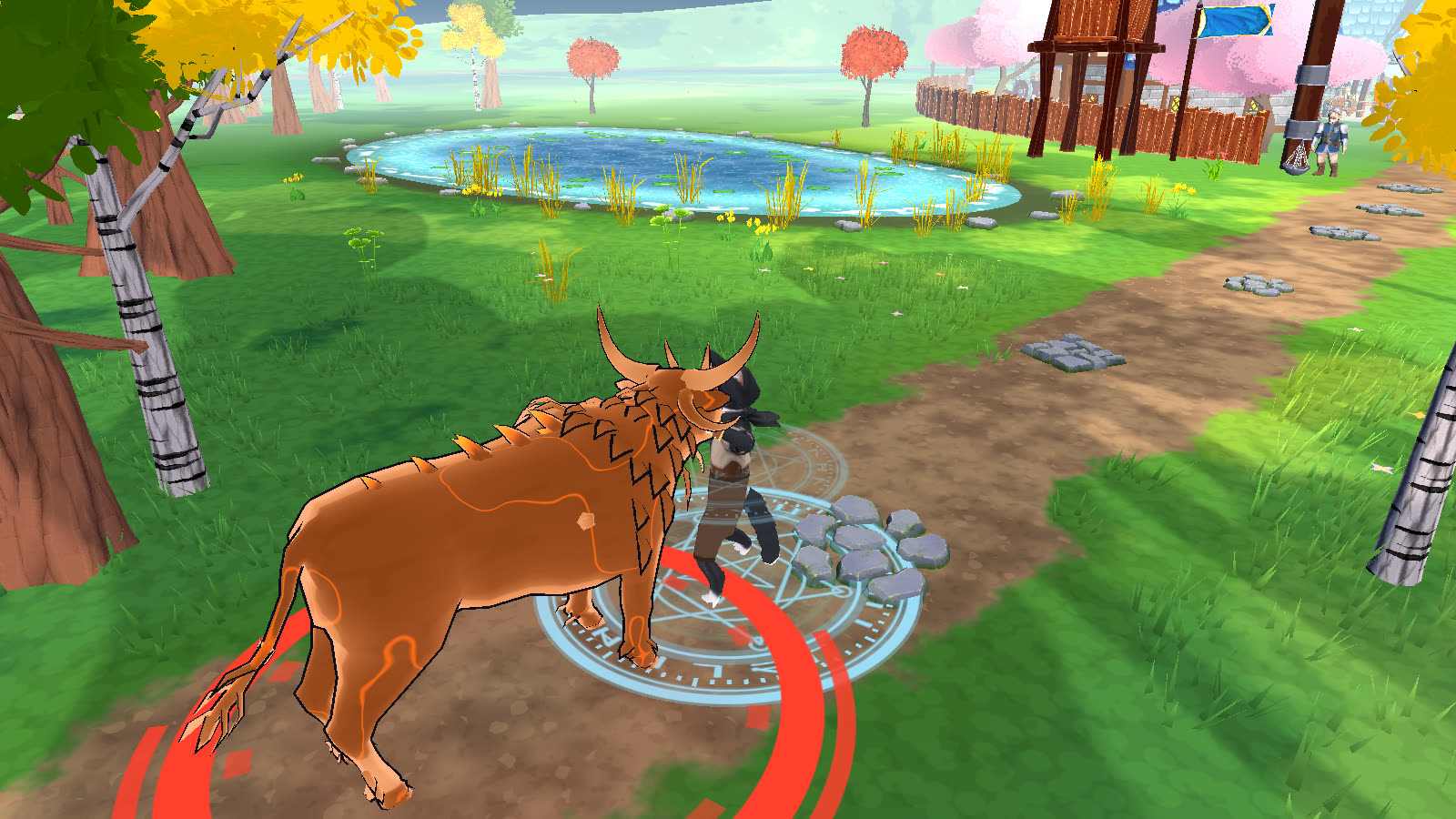
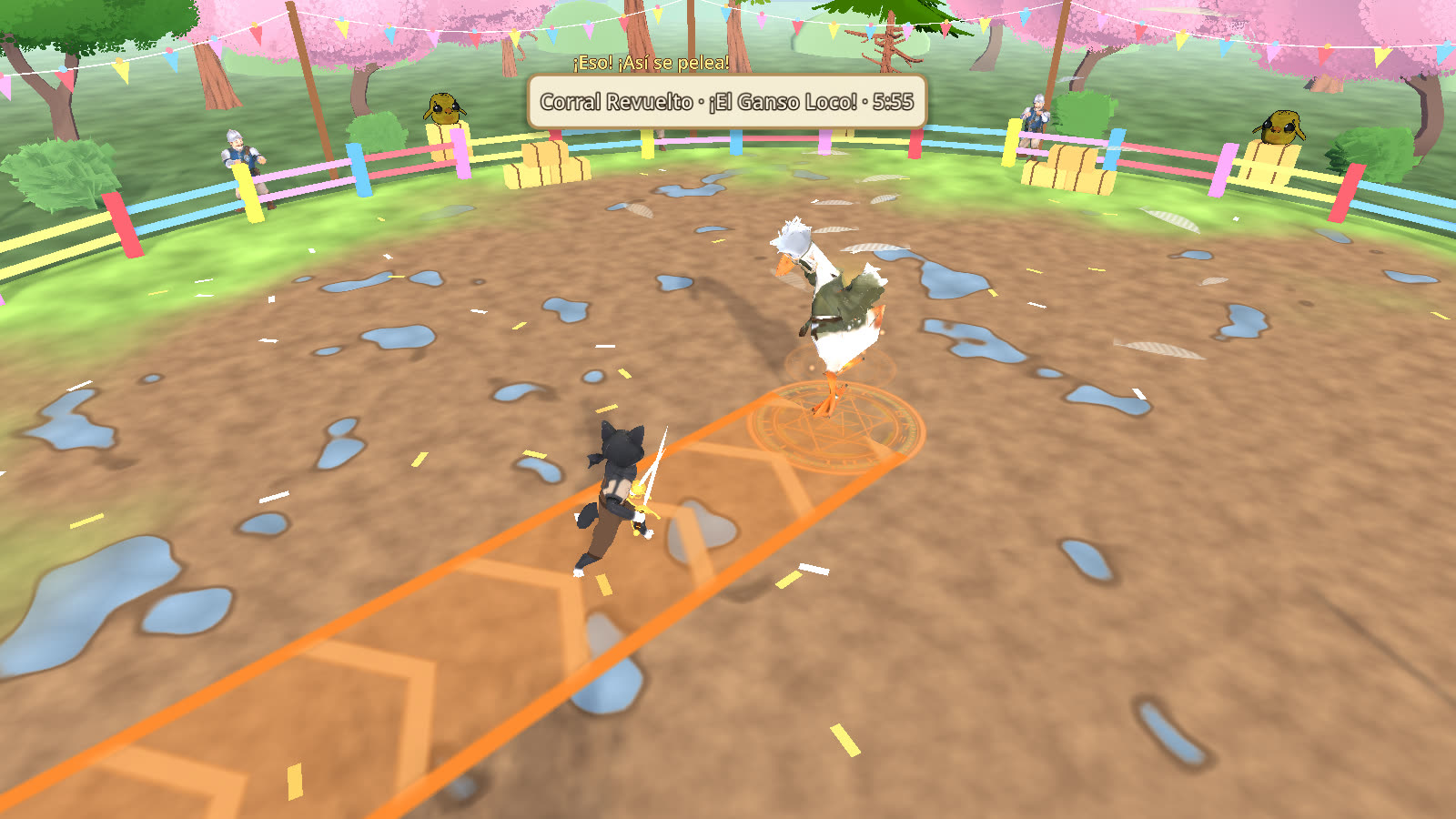
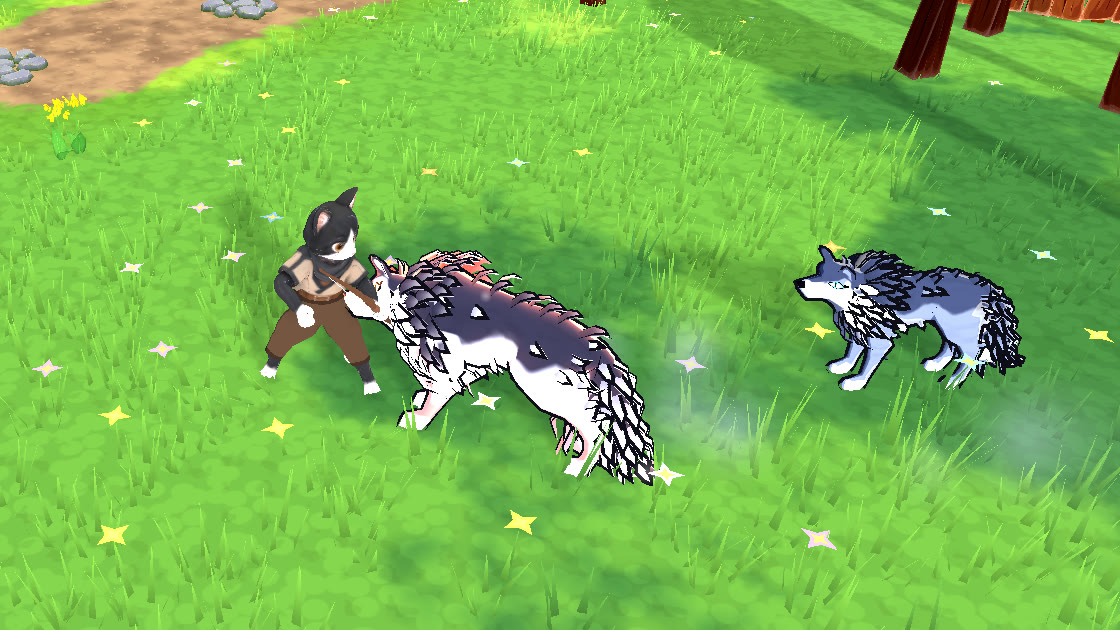
Help
Windows won't let me open it
Open Senda-Setup.exe (or, if you downloaded the zip, extract it and open Senda.exe). If your browser warns that the file isn't commonly downloaded, choose Keep. If you see "Windows protected your PC", click More info and then Run anyway. That's because the game isn't code-signed (that costs a yearly fee), not because there's anything wrong with it.
The installer doesn't need administrator rights: it adds Senda to the Start menu, and you can uninstall it from Settings → Apps. Uninstalling doesn't delete your saves.
Android won't let me install it
Download Senda.apk and open it from your downloads. The first time, Android asks for permission to install apps from that source (Chrome or Files): tap Settings, turn on Allow from this source, go back, and tap Install. If Play Protect warns that it doesn't recognize the app, tap More details → Install anyway: that's because Senda isn't on Google Play, not because there's anything wrong with it.
To update, install the new APK over the old one: your saves stay.
My Mac won't let me open it
Open the zip (it extracts on its own) and, if you like, move Senda.app to Applications. The first time, macOS says it can't verify the app: that's because it isn't registered with Apple, not because there's anything wrong with it.
- macOS 15 (Sequoia) or later: open it once and click "Done". Go to System Settings → Privacy & Security, scroll down to "Senda was blocked" and click Open Anyway (it asks for your Mac's password).
- macOS 14 or earlier: right-click (or Control-click) Senda.app → Open → Open.
- After that, it opens normally with a double-click.
The browser version takes a while to load
The first time, it downloads about 30 MB to open the menu, and the world (another 33 MB) while you pick or create your character; after that, it opens much faster. It runs best in Chrome, Edge, or Firefox on a computer. If you're not signed in, browser saves live only in that browser: clearing the site's data erases them (when you're signed in, they're also saved to the cloud). If you play often, the download is the better choice.